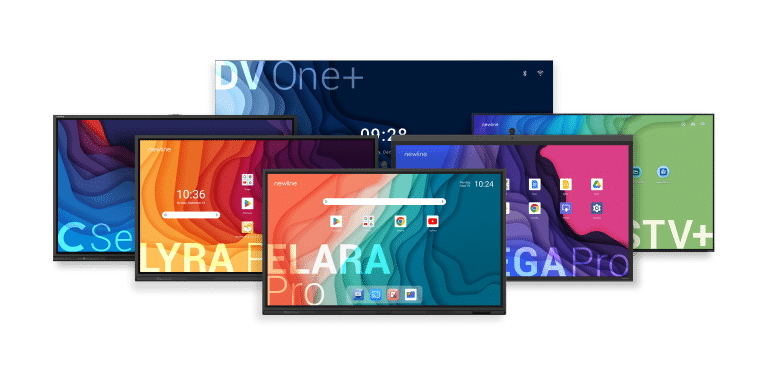
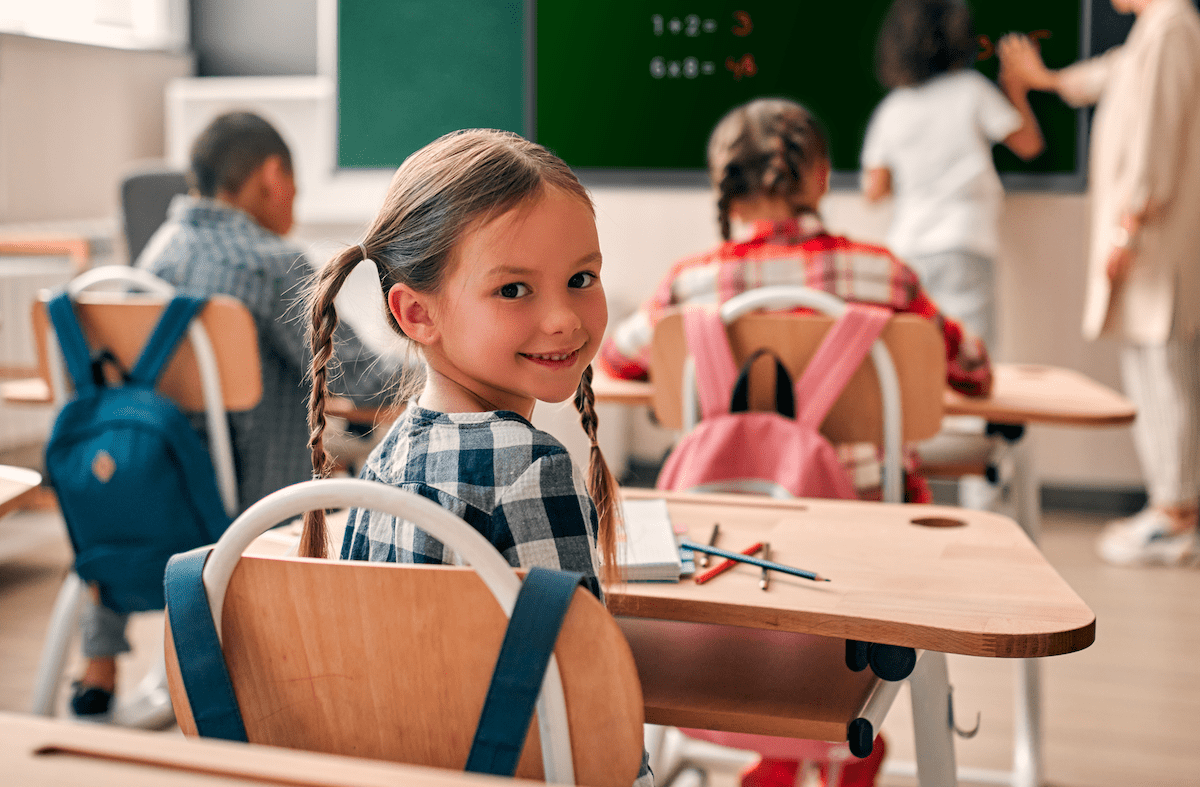
An interactive monitor allows users to write, draw, quickly erase mistakes and work simultaneously with multiple pupils, fostering collaboration and the development of creativity. Its range of applications depends largely on the teacher’s creativity.
The Newline Lyra Pro is a monitor featuring Google EDLA certification, the Android 14 operating system, a powerful processor and a comprehensive suite of modern applications. Thanks to the implementation of Android 14, the monitor delivers enhanced performance, improved features and smoother operation compared to devices running earlier versions of the system. Secure access to tools is ensured through password protection, data encryption and two-factor authentication. The USB-C standard not only enables data, audio and video transmission, but also supports charging of up to 65 W. This combination of features opens up a wide range of possibilities for primary education settings.
Access to all materials and applications
Google EDLA certification ensures seamless integration with the Google ecosystem and Microsoft 365, as well as compatibility with the latest updates and features. In practice, this means quick access to everyday tools such as Google Drive and the Google Play Store. As a result, all materials accumulated over years of teaching and stored in Google Drive are easily accessible directly from the interactive monitor.
The interactive monitor offers geometric tools
Mathematics lessons often require the use of rulers, compasses or protractors, all of which are available on the interactive monitor. It also includes a calculator, torch and stopwatch, enriching the learning experience and making it more engaging and enjoyable for pupils.
The interactive monitor as a window to the world
Google Earth is an outstanding tool that enables virtual walks through the streets of New York, close-up views of the Eiffel Tower and its surroundings, or analysis of the length of the Great Wall of China. There is no longer any need to rely solely on atlases, books or explanations. Using an interactive monitor in primary education to present geographical and historical content not only improves learning effectiveness but also enhances information-seeking skills and stimulates pupils’ curiosity.
Games and activities with the interactive monitor
Simple games such as memory, spelling activities, puzzles or logical matching exercises take on a completely new dimension on a large screen. They encourage group integration, introduce healthy competition and make lessons more dynamic and engaging.
Presentation of work
Thanks to Newline Cast+, content can be easily shared from mobile devices. This allows pupils to present their work and projects and discuss them with the group in a simple and comfortable way. They can also interact directly by writing on the content using the monitor’s features.
The interactive monitor in physical education
The use of applications such as Just Dance or the playback of videos explaining sports rules enables teachers to observe pupils in detail and correct mistakes. This is further enhanced by the ability to instantly play online videos demonstrating the correct execution of exercises. The interactivity of the tool promotes greater student engagement, making lessons more attractive and varied. In addition, the ability to display posture correction or motor coordination exercises contributes to pupils’ overall development and supports those who require additional attention.
The interactive monitor in school events
During celebrations and events, the interactive monitor provides valuable multimedia support. The projection of festive decorations, lit candles or a fireplace helps create the right atmosphere for each occasion. During leisure time, it can become the focal point of a school cinema or a key tool for quizzes and organised activities within the school.
Support for pupils with special educational needs
Re-education sessions are specialised activities aimed at pupils with psycho-pedagogical assessment reports. They are carried out individually, taking into account each child’s specific needs. Their purpose is to reinforce and improve skills that may be affected to varying degrees. Specialist teachers often spend a significant amount of time preparing and printing materials. Thanks to the use of the interactive monitor, they can deliver more dynamic and participatory sessions, saving time and reducing paper use.