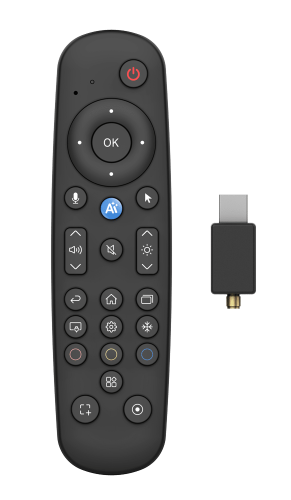
The Newline AI Remote with Newline Voice Assistant puts powerful, natural-language control right in your hand—or your voice.
Hands-free Control
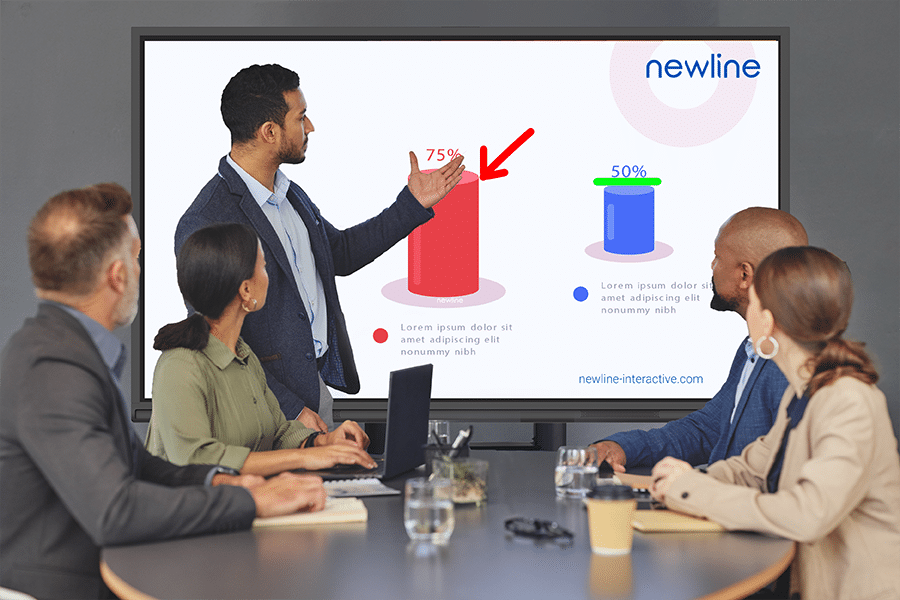
With the Newline AI Remote, core collaboration tools are always within reach—without touching the display. Launch the whiteboard, annotate content, or capture screenshots instantly using voice commands. Voice commands make it easy to scroll, select, and manage content on screen while staying mobile. Navigate the built-in browser, open web resources, and control essential display functions without breaking your stride.
Newline Voice Assistant
The Newline Voice Assistant understands natural, conversational commands, so users don’t have to memorize phrases or navigate complex menus. Simply speak to open apps, launch tools, or control on-screen actions in real time. This intuitive voice control reduces friction and keeps attention where it belongs—on teaching, presenting, or collaborating.
Operate your panel from anywhere in the room
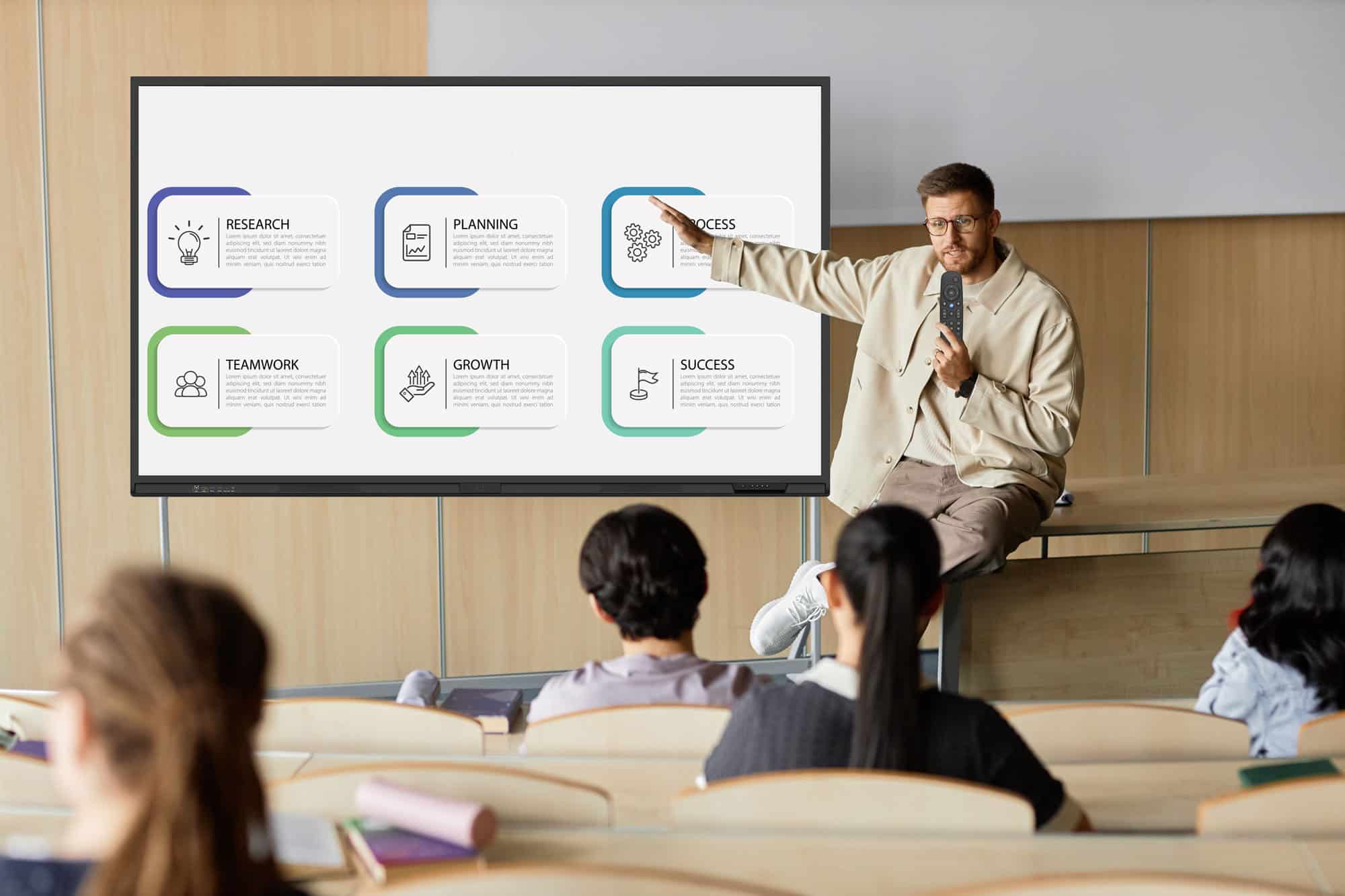
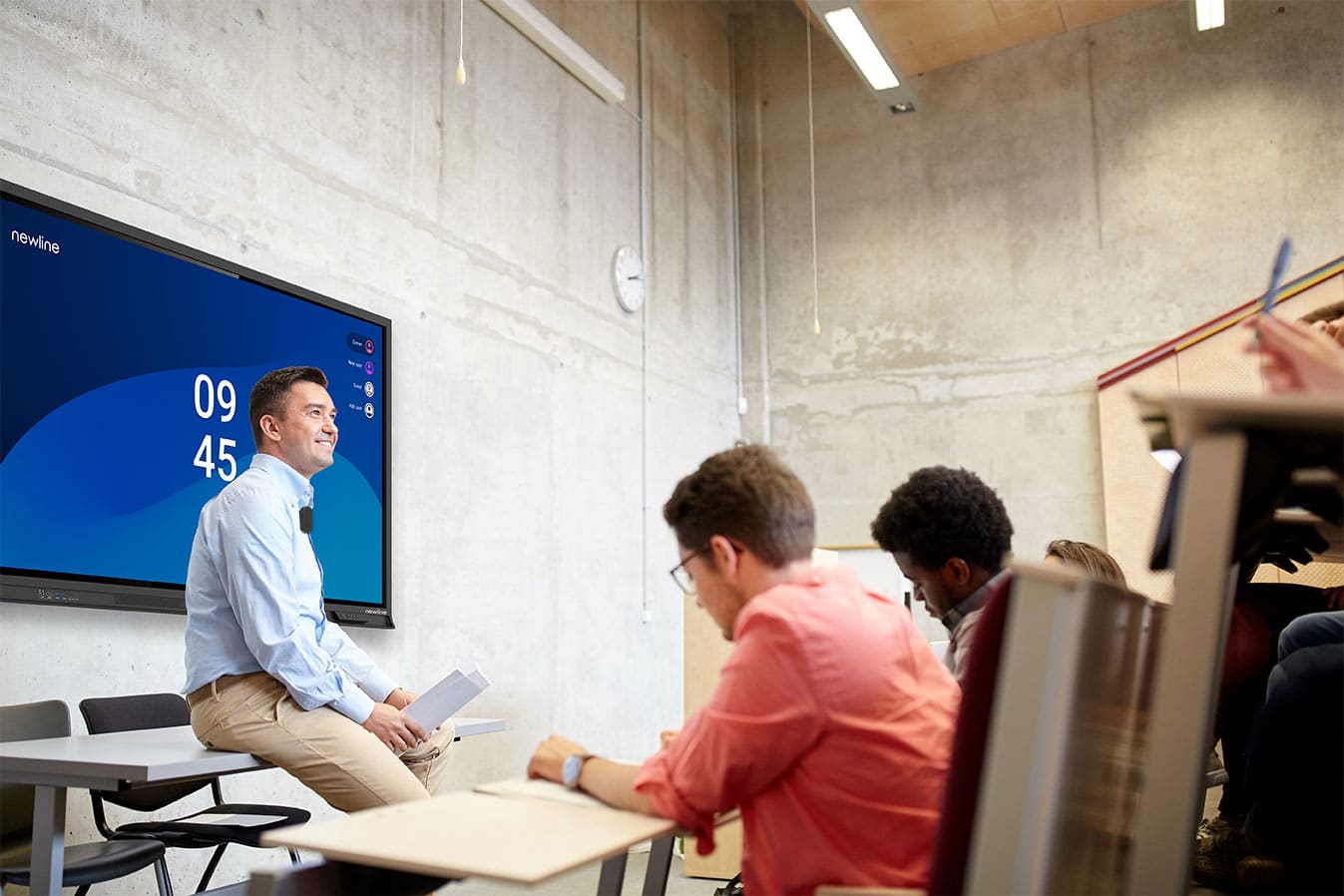
Freedom of movement is built into the Newline AI Remote experience. Whether at the front of the room, among students, or across the conference table, users stay fully in control. No need to return to the display or podium to make adjustments. The room adapts to the user—not the other way around.
Customize your own Shortcuts
The Newline AI Remote Control has three customizable buttons that users can set up to launch their favorite apps instantly. Instead of digging through menus, you can jump straight to the tools you use most with a single press. It’s an easy way to save time and keep lessons or meetings moving without interruption. Simple, personal, and incredibly practical.